

Setting Up Nextcloud
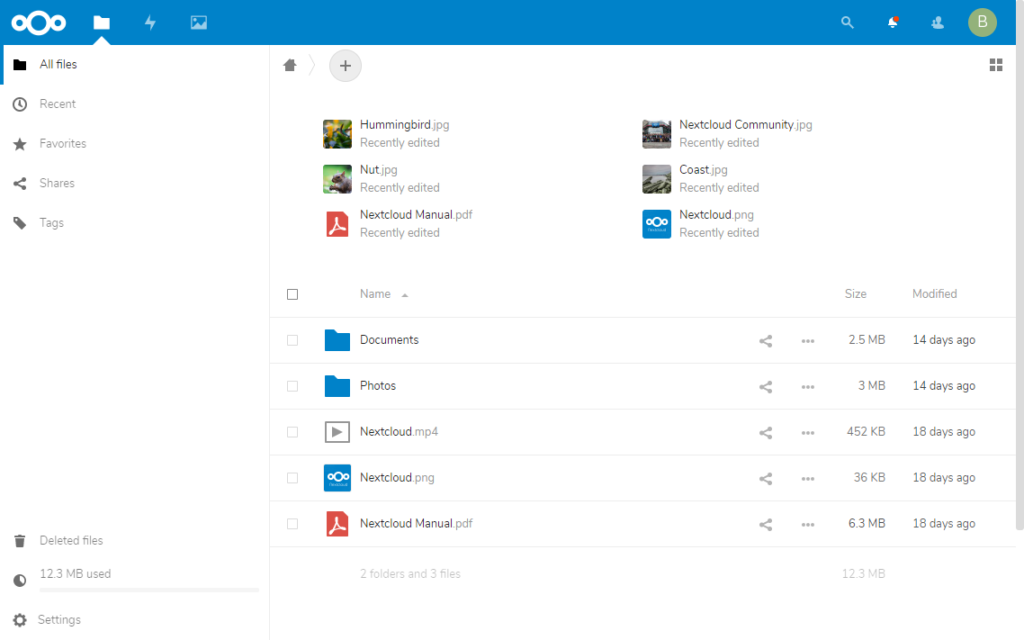
Before you start using Nextcloud, you need to setup a few things first…
- Login to your Nextcloud and then go to Settings (under the user icon on the top right corner) > Personal info. Enter your Email address. You can fill in the rest too, but it’s optional.
- Go to Basic settings and fill up the Email server section. You need to fill this up in order to allow Nextcloud to send important system emails to your users such as password reset.
Install Apps
Next, it’s time to install the required apps. Go to Apps under the user icon.
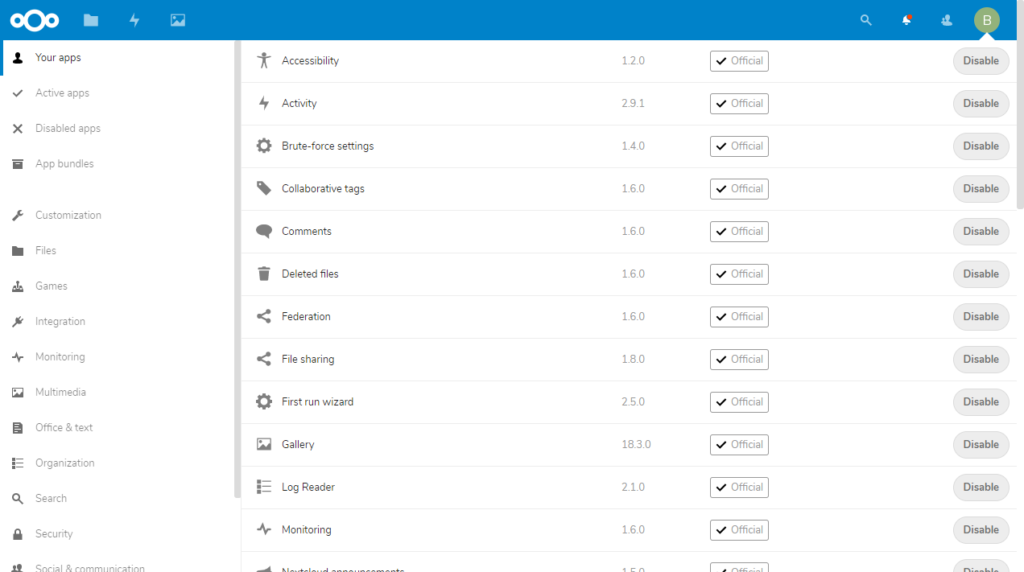
If you want to install all the recommended apps, you can find them at App bundles. Tasks and Notes can be found at “Office & Text” section.
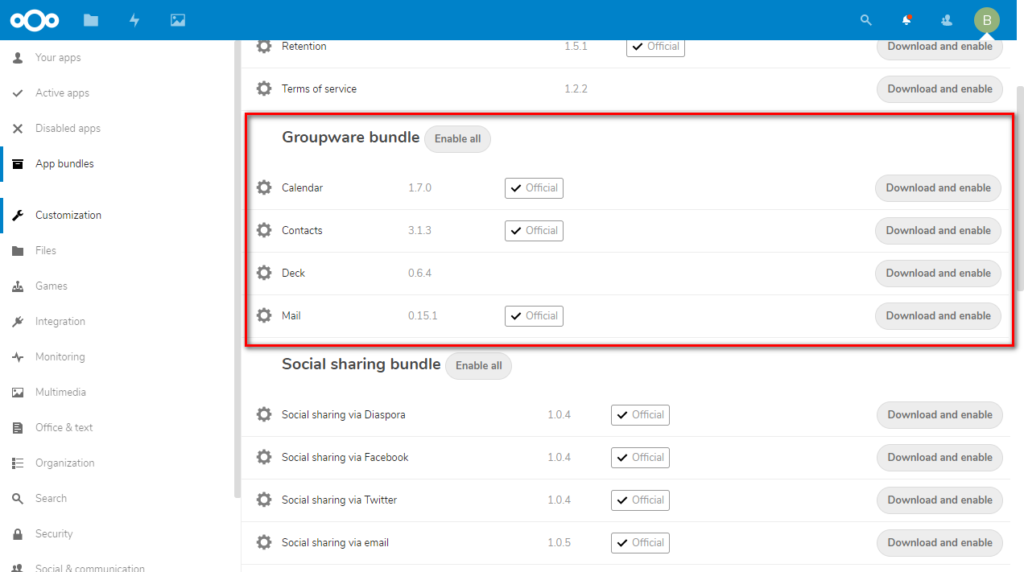
Once you have installed all the required apps, you can now begin to add your users. Next is how to sync your data across multiple devices.
Leave a Reply